Luma logoLuma

Adaptive colour temperature, built for Mac.

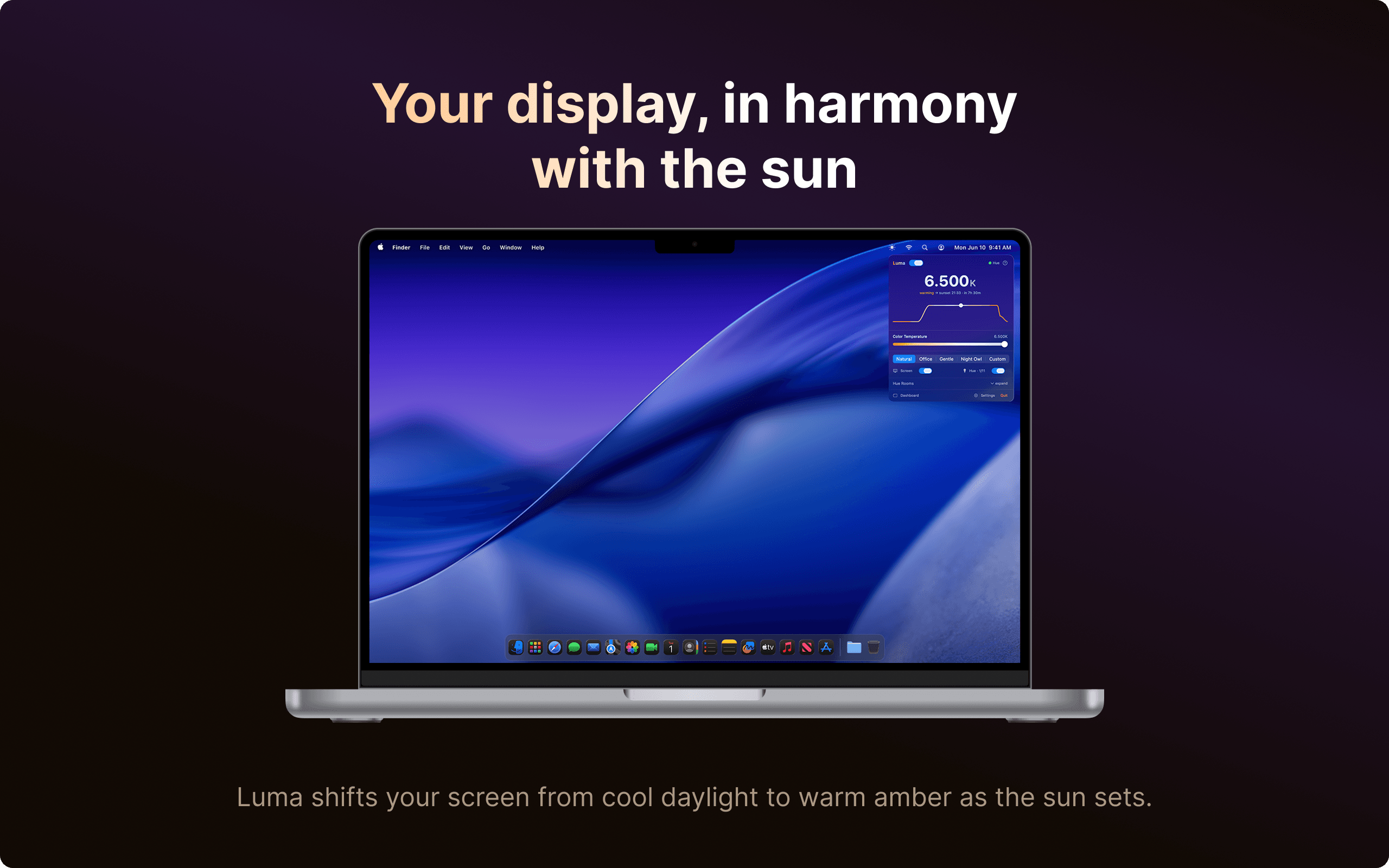
Luma shifts your display from cool and bright during the day to warm and dim as night falls, following the sun and your schedule.

Luma main window showing Philips Hue lights synced with display colour temperature

Solar-Calculated Curve

Uses your location to calculate sunrise and sunset, then shifts your display along a smooth arc. No setup required.

Fully Customisable

Four built-in presets, or drag anchors on the curve editor to match your exact routine.

Philips Hue Sync

If you have Philips Hue, your lights follow the same curve as your display, colour and brightness together.

App Exclusions

Pauses automatically when Photoshop, Lightroom, or any colour-critical app is open.

Per-Display Control

Enable or disable Luma per screen on multi-monitor setups.

Wake and Bed Times

Set wake and bed times so the curve starts and ends exactly when your day does.

Philips Hue

Screen and lights, together or separately.

Most apps dim your screen and lights as one. Luma lets you run them independently. Warm your Hue lights without touching your display, or adjust your screen while leaving the lights alone.

  • Screen only: Adjust your display, leave your lights untouched.
  • Hue only: Warm your lights without affecting a calibrated display.
  • Both together: Full sync: screen and lights follow the same curve.

Smart Pause

Accurate colour when you need it.

Luma pauses automatically when a colour-critical app is open. No more reviewing photos through a warm tint.

  • Adobe Photoshop
  • Adobe Lightroom
  • Final Cut Pro
  • DaVinci Resolve
  • Pixelmator Pro
  • Capture One
  • Affinity Photo
  • Any app you choose